























































login-icon
mahindra-finance-logo
login-icon
  • English
  • Hindi
  • Bengali
  • Marathi
  • Telugu
  • Tamil
  • Gujarati
  • Kannada
  • Odia
  • Malayalam
  • Punjabi
phone

Download App

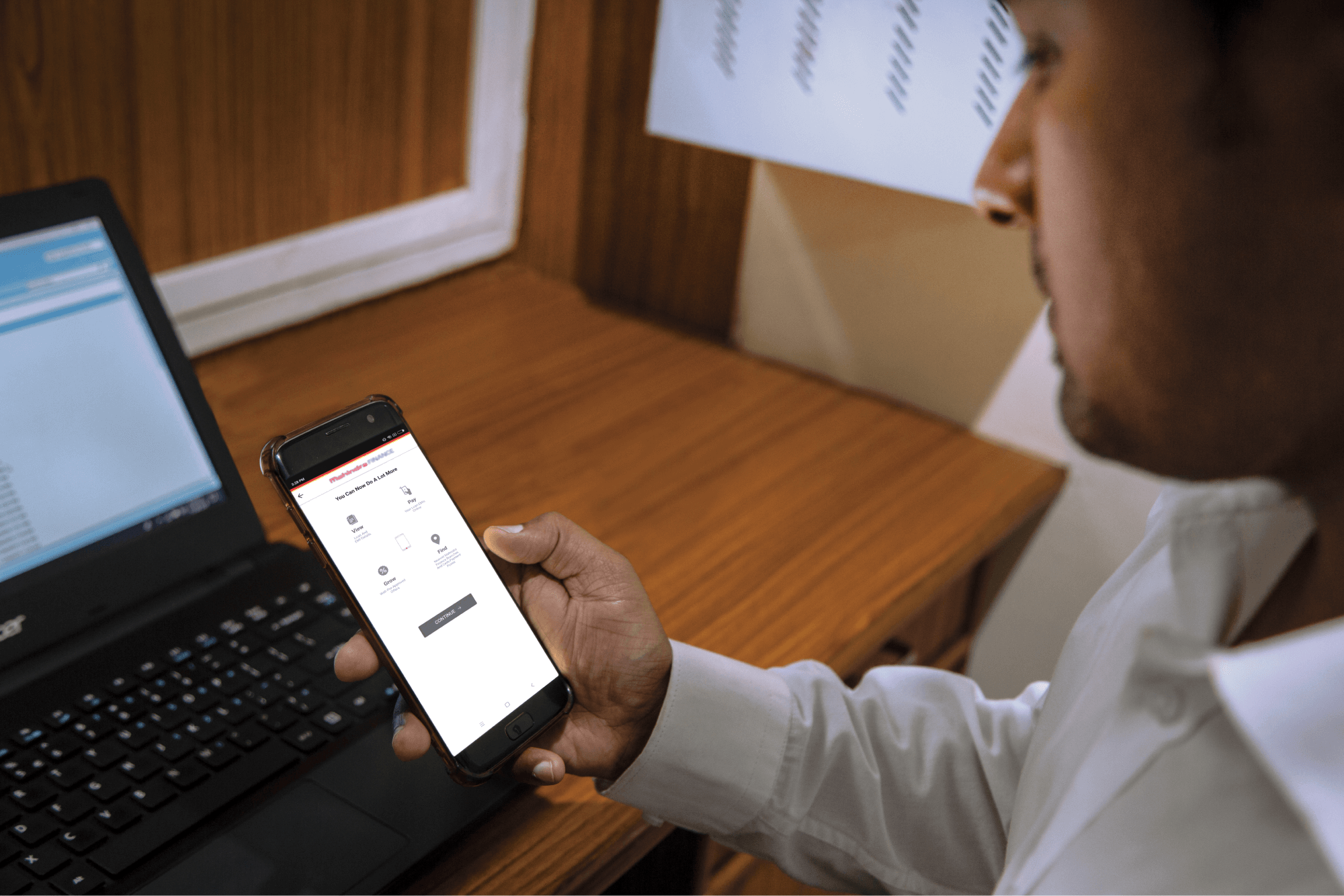
Conveniently pay your EMIs, set payment reminders, view your loan details.

phone
|

How can I pay online using Debit card?

mahindra-finance-author

by Mahindra Finance

|

June 22, 2023

|

1 mins read

You can pay using Visa, Master Card, Maestro, and RuPay debit cards.

Step 1: Select ‘Debit Card’ as the payment mode on QuickPay page

Step 2: Enter your debit card number, expiry date, CVV (3 digits on the back of your card) and card holder name

Step 3: Enter the OTP sent by bank to your registered phone or email

Step 4: Confirm the transaction and enter the OTP sent by bank to your registered phone or email

Step 5: On successful transaction, Mahindra Finance (MMFSL) will acknowledge your payment through a receipt

Common failure reasons for debit card transaction:

User presses Back or Refresh or Cancel button – Retry the transaction

User authentication failure – Enter the card details and 3D secure pin correctly

Insufficient funds – Make sure you have enough balance in your account For further queries, you can contact your bank branch or customer care.

Related articles

Credit Default Swap – Meaning, Features & Uses

Introduction Credit Default Swap (CDS) is a financial tool that provides protection against potential defaults and helps manage credit risk. Whether you’re an investor or a financial institution...

KNOW MORE

April 22, 2024

4 Critical Key Business Metrics You Should Consider As A Business Owner

Running a successful business requires more than just hard work and determination. It requires a deep understanding of your business’s performance and the ability to identify areas for improveme...

KNOW MORE

April 10, 2024

How To Check Your Vehicle Loan Status Online?

Have you taken a car loan? If yes, then you should periodically check your car loan status online so that you can get confirmation of payments, plan your financials, and understand how to use the oppo...

KNOW MORE

February 22, 2024