
























































login-icon
mahindra-finance-logo
login-icon
  • English
  • Hindi
  • Bengali
  • Marathi
  • Telugu
  • Tamil
  • Gujarati
  • Kannada
  • Odia
  • Malayalam
  • Punjabi
phone

Download App

Conveniently pay your EMIs, set payment reminders, view your loan details.

phone
|

4. How to Suspend/Revoke an E-Mandate

mahindra-finance-author

by Mahindra Finance

|

October 1, 2024

|

1 mins read

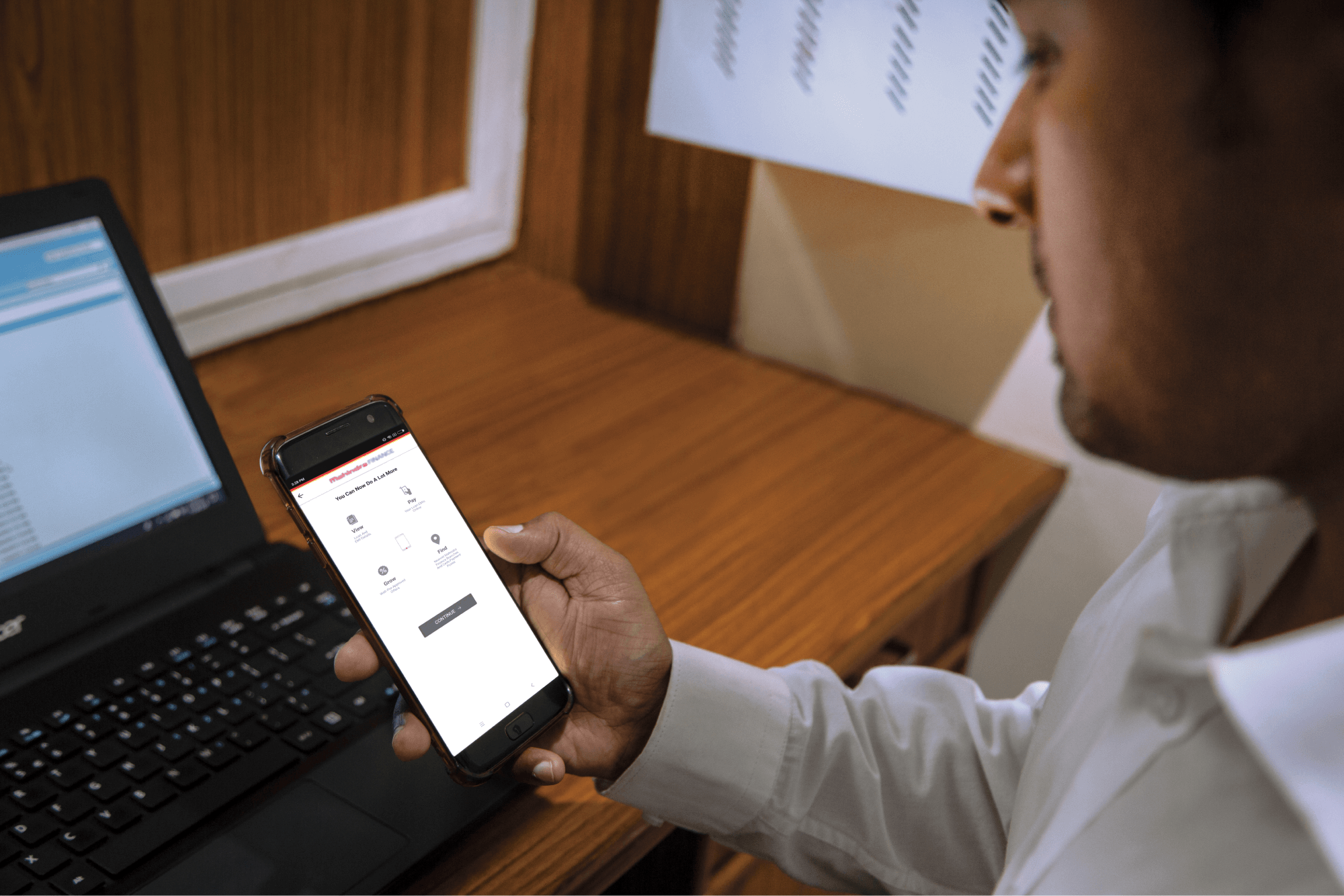
Step 1: Log in to Mahindra Finance Customer Mobile Application

Step 2: Select the e-Mandate option

Step 3: Click on ‘View More’ for the mandate where you want to Suspend/Revoke the mandate

Step 4: Click on ‘Suspend/Revoke E-Mandate’

Step 5: Click on ‘Yes’ if you to move forward with the Suspend/Revoke option

Step 6: Enter the 6 digit OTP received on your registered mobile number

Step 7: Select the remark for why you want to make to Suspend/Revoke the E-Mandate

Step 8: You’ll receive a POP-UP if your service request has been successfully created and you may track the same by clicking on ‘Track Service Request’ or decide to go back to the home page.


Related articles

Building credit while paying off a car loan

Are you thinking of financing a car? Many of us require some form of financing to purchase a vehicle, but have you ever wondered if a car loan can help build your credit? The short answer is yes, but ...

KNOW MORE

April 17, 2024

How To Get A Business Loan For A Franchise Business?

Starting a franchise business can be an exciting opportunity, but securing financing is a crucial consideration. Many aspiring entrepreneurs wonder if getting a business loan specifically tailored for...

KNOW MORE

April 17, 2024

How to get Personal Loan with Minimum Documents

Introduction Are you in need of a personal loan but don’t have a salary slip as proof of income? Don’t worry, because getting a personal loan without a salary slip is possible! Many lendin...

KNOW MORE

April 18, 2024