
























































login-icon
mahindra-finance-logo
login-icon
  • English
  • Hindi
  • Bengali
  • Marathi
  • Telugu
  • Tamil
  • Gujarati
  • Kannada
  • Odia
  • Malayalam
  • Punjabi
phone

Download App

Conveniently pay your EMIs, set payment reminders, view your loan details.

phone
|

3. How to Cancel an E-mandate

mahindra-finance-author

by Mahindra Finance

|

October 1, 2024

|

1 mins read

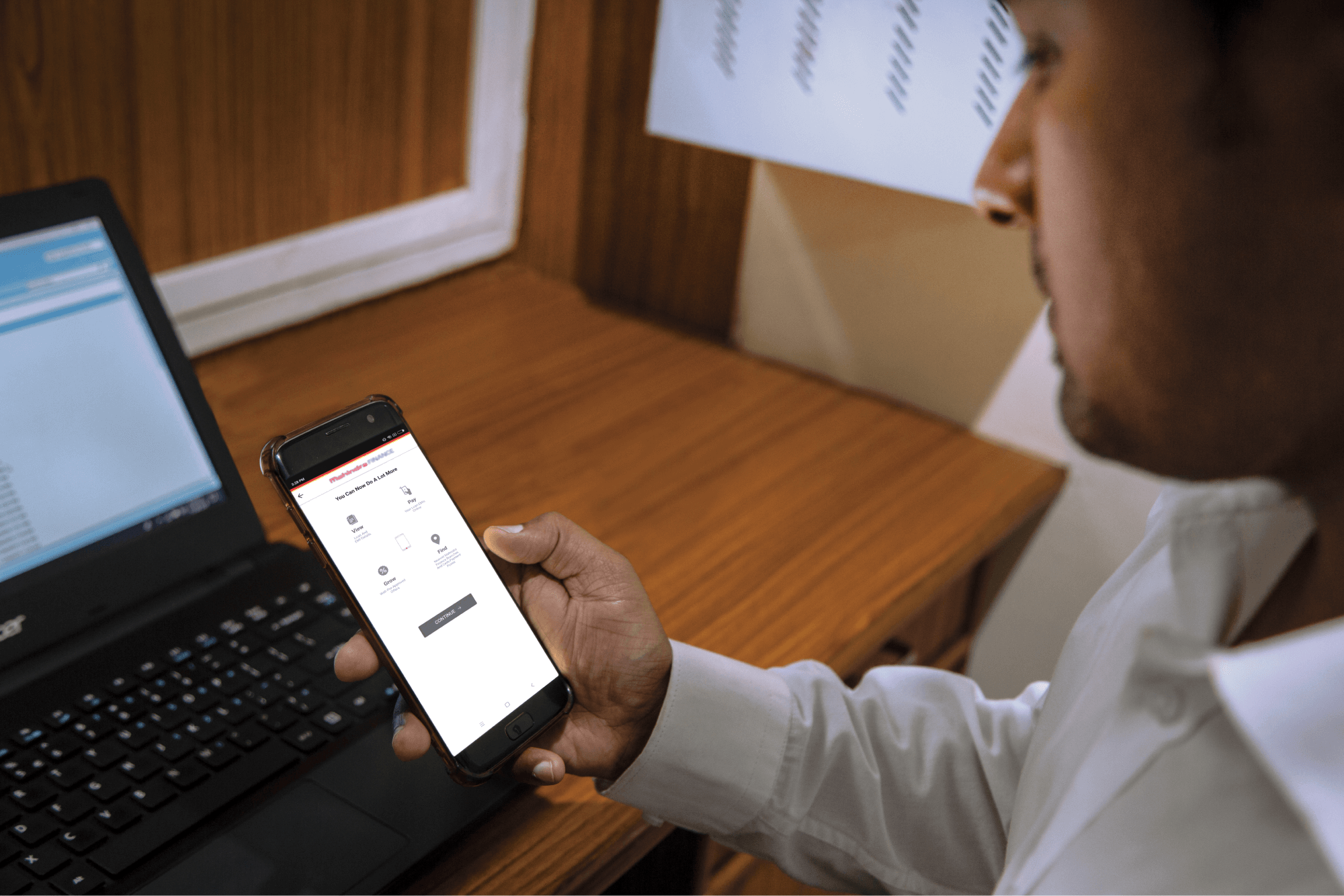
Step 1: Log in to Mahindra Finance Customer Mobile Application

Step 2: Select the e-Mandate option

Step 3: Click on ‘View More’ for the mandate where you want to Cancel the mandate

Step 4: Click on ‘Cancel E-Mandate’

Step 5: Click on ‘Yes’ if you are sure that you want to cancel the E-Mandate

Step 6: Enter the 6 digit OTP received on your registered mobile number

Step 7: Select the remark for why you want to cancel the E-Mandate

Step 8: You’ll receive a POP-UP if your service request has been successfully created and you may track the same by clicking on ‘Track Service Request’ or decide to go back to the home page.


Related articles

Types of Vehicle Loans Available in India

Buying a car of your own is a ‘dream come true’! When you are young, owning your first car can be identified as a symbol of success. However, purchasing a vehicle is not a cheap affair. If you hav...

KNOW MORE

June 29, 2023

HSN-code-Meaning-Features-and-How-They-Benefit-You

HSN Code: Meaning, Features And How They Benefit You

Introduction HSN codes play a crucial role in classifying goods under the Goods and Services Tax (GST) regime in India. These codes act as a universal language for categorising products, enabling clea...

KNOW MORE

July 1, 2024

How To Improve Your Credit Score For A Business Loan?

Whether you’re an entrepreneur looking to expand your business or a small business owner in need of funds, having a good credit score plays a vital role in securing a business loan. Your credit ...

KNOW MORE

April 11, 2024