
























































login-icon
mahindra-finance-logo
login-icon
  • English
  • Hindi
  • Bengali
  • Marathi
  • Telugu
  • Tamil
  • Gujarati
  • Kannada
  • Odia
  • Malayalam
  • Punjabi
phone

Download App

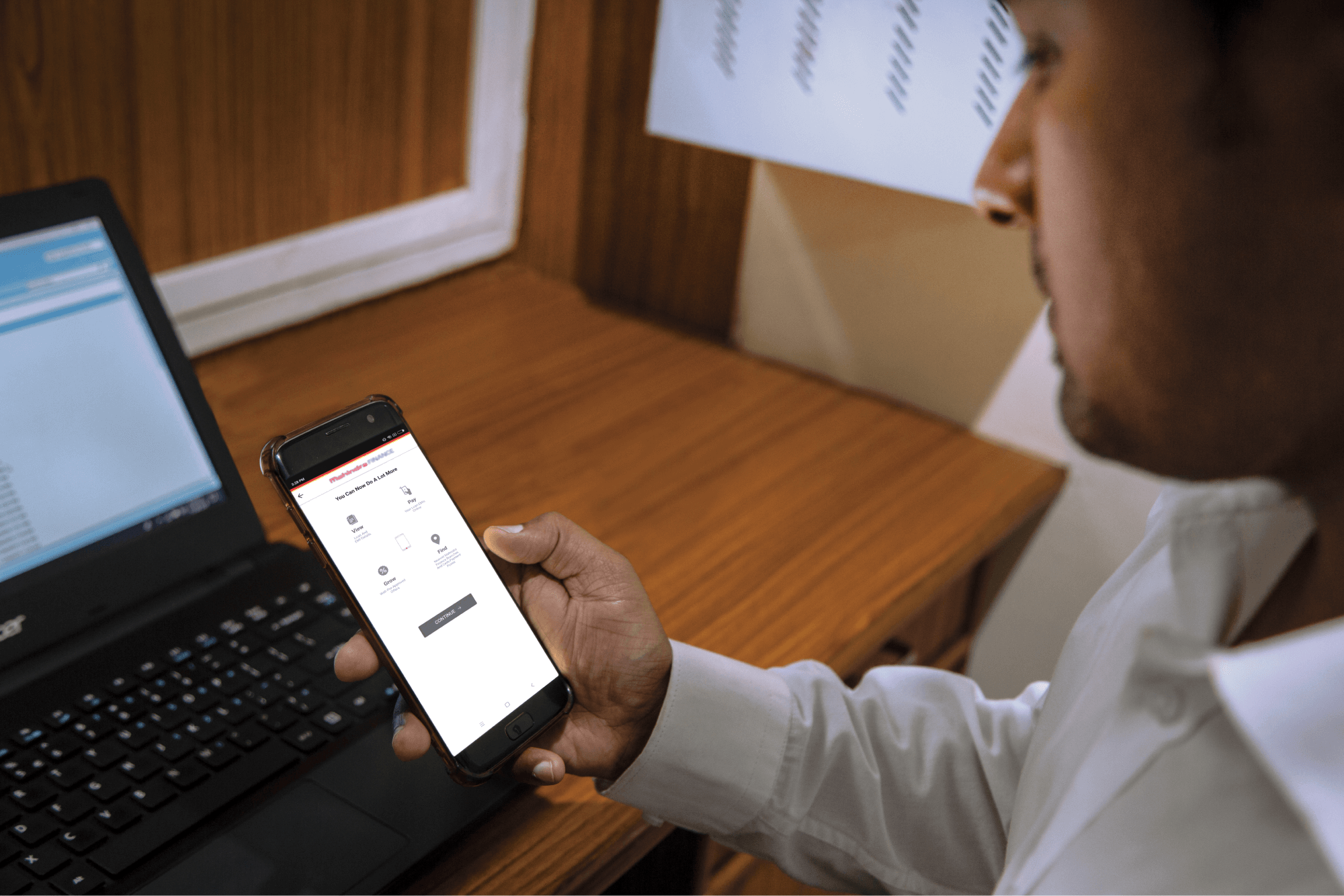
Conveniently pay your EMIs, set payment reminders, view your loan details.

phone
|

2. How to Amend an E-mandate

mahindra-finance-author

by Mahindra Finance

|

October 1, 2024

|

1 mins read

Step 1: Log in to Mahindra Finance Customer Mobile Application

Step 2: Select the e-Mandate option

Step 3: Click on ‘View More’ for the mandate where you want to make the Amends

Step 4: Click on ‘Amend E-Mandate’

Step 5: Click on ‘Yes’ if you to move forward with the Amend option

Step 6: Enter the 6 digit OTP received on your registered mobile number

Step 7: Select the remark for what amends you want to make to the E-Mandate

Step 8: You’ll receive a POP-UP if your service request has been successfully created and you may track the same by clicking on ‘Track Service Request’ or decide to go back to the home page.


Related articles

Secure Your Future With Fixed Deposit Investments In Rural & Semi-Urban India

In today’s fast-paced world, financial stability is essential for individuals and communities. For those living in rural and semi-urban areas of India, access to reliable investment options that...

KNOW MORE

February 23, 2024

What Is The Monthly Interest Breakdown On A Rs. 2 Lakh Fixed Deposit

When it comes to financial security, investing your hard earned money wisely is crucial. One such investment option that offers stability and regular income is a fixed deposit (FD). With an FD, you ca...

KNOW MORE

April 25, 2024

How To Use Personal Loans For Travel And Vacations

How To Use Personal Loans For Travel And Vacations

Introduction Imagine exploring exotic destinations, soaking up different cultures, and creating unforgettable memories. Travelling is a universal aspiration, but financial constraints often hinder our...

KNOW MORE

August 27, 2024