
























































login-icon
mahindra-finance-logo
login-icon
  • English
  • Hindi
  • Bengali
  • Marathi
  • Telugu
  • Tamil
  • Gujarati
  • Kannada
  • Odia
  • Malayalam
  • Punjabi
phone

Download App

Conveniently pay your EMIs, set payment reminders, view your loan details.

phone
|

2. How to Amend an E-mandate

mahindra-finance-author

by Mahindra Finance

|

October 1, 2024

|

1 mins read

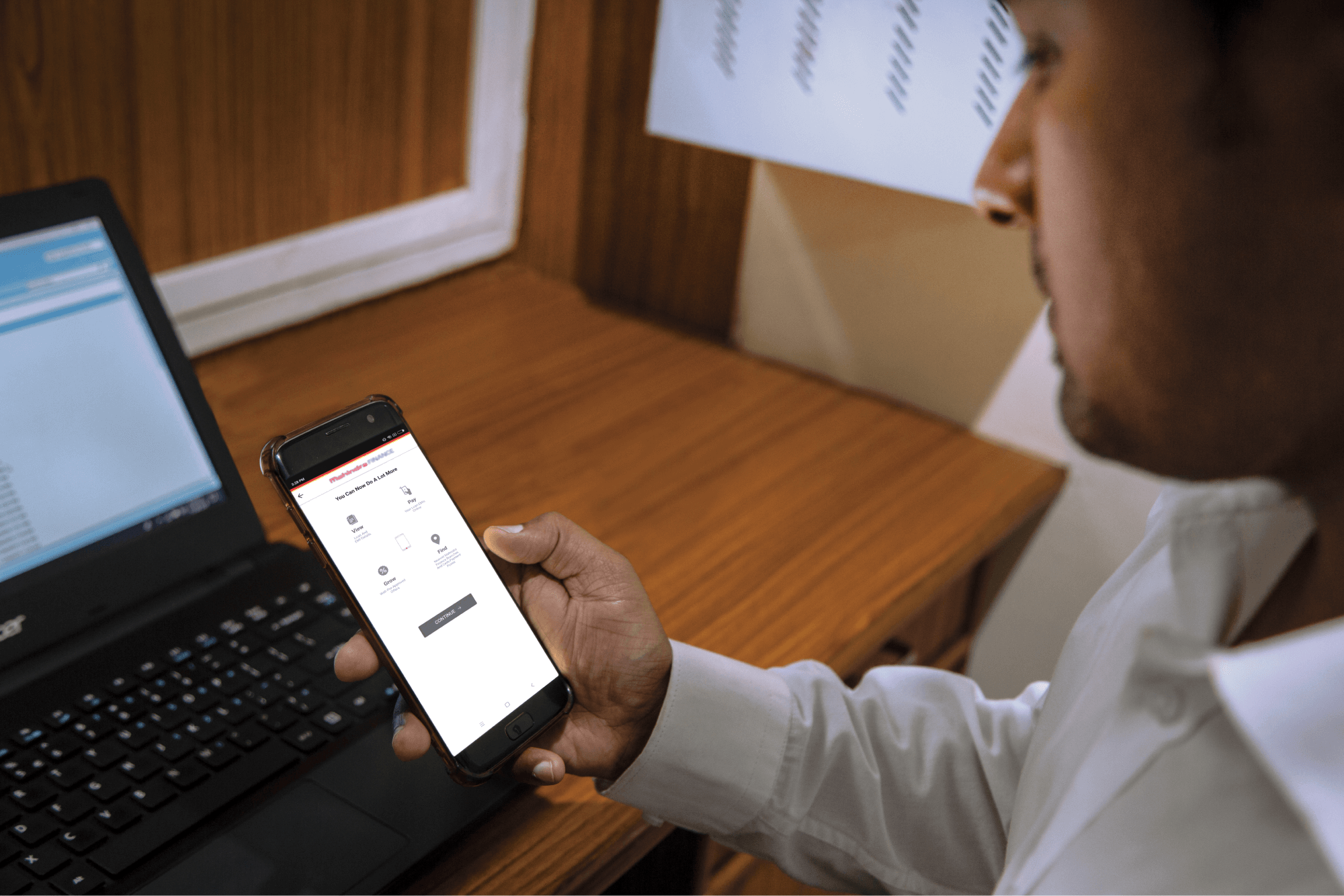
Step 1: Log in to Mahindra Finance Customer Mobile Application

Step 2: Select the e-Mandate option

Step 3: Click on ‘View More’ for the mandate where you want to make the Amends

Step 4: Click on ‘Amend E-Mandate’

Step 5: Click on ‘Yes’ if you to move forward with the Amend option

Step 6: Enter the 6 digit OTP received on your registered mobile number

Step 7: Select the remark for what amends you want to make to the E-Mandate

Step 8: You’ll receive a POP-UP if your service request has been successfully created and you may track the same by clicking on ‘Track Service Request’ or decide to go back to the home page.


Related articles

Creating A Repayment Plan For Your Home Loan

Creating A Repayment Plan For Your Home Loan

Managing the repayment of a home loan can be challenging, but with careful planning and strategic decision-making, you can navigate this financial journey successfully. By creating a repayment plan fo...

KNOW MORE

August 27, 2024

How To Improve Your Chances Of Getting Approved For A Car Loan?

Introduction Dreaming of purchasing your own car? Excited about the freedom and convenience it will bring to your life? But wait, before you start picturing yourself behind the wheel, there’s an...

KNOW MORE

May 13, 2024

Things to Consider While Availing a Commercial Vehicle Loan

A commercial vehicle loan is available to any individual or organization, which is planning to buy a commercial vehicle. These loans are often costlier compared to personal vehicles; hence, ...

KNOW MORE

June 29, 2023