
























































login-icon
mahindra-finance-logo
login-icon
  • English
  • Hindi
  • Bengali
  • Marathi
  • Telugu
  • Tamil
  • Gujarati
  • Kannada
  • Odia
  • Malayalam
  • Punjabi
phone

Download App

Conveniently pay your EMIs, set payment reminders, view your loan details.

phone
|

2. How to Amend an E-mandate

mahindra-finance-author

by Mahindra Finance

|

October 1, 2024

|

1 mins read

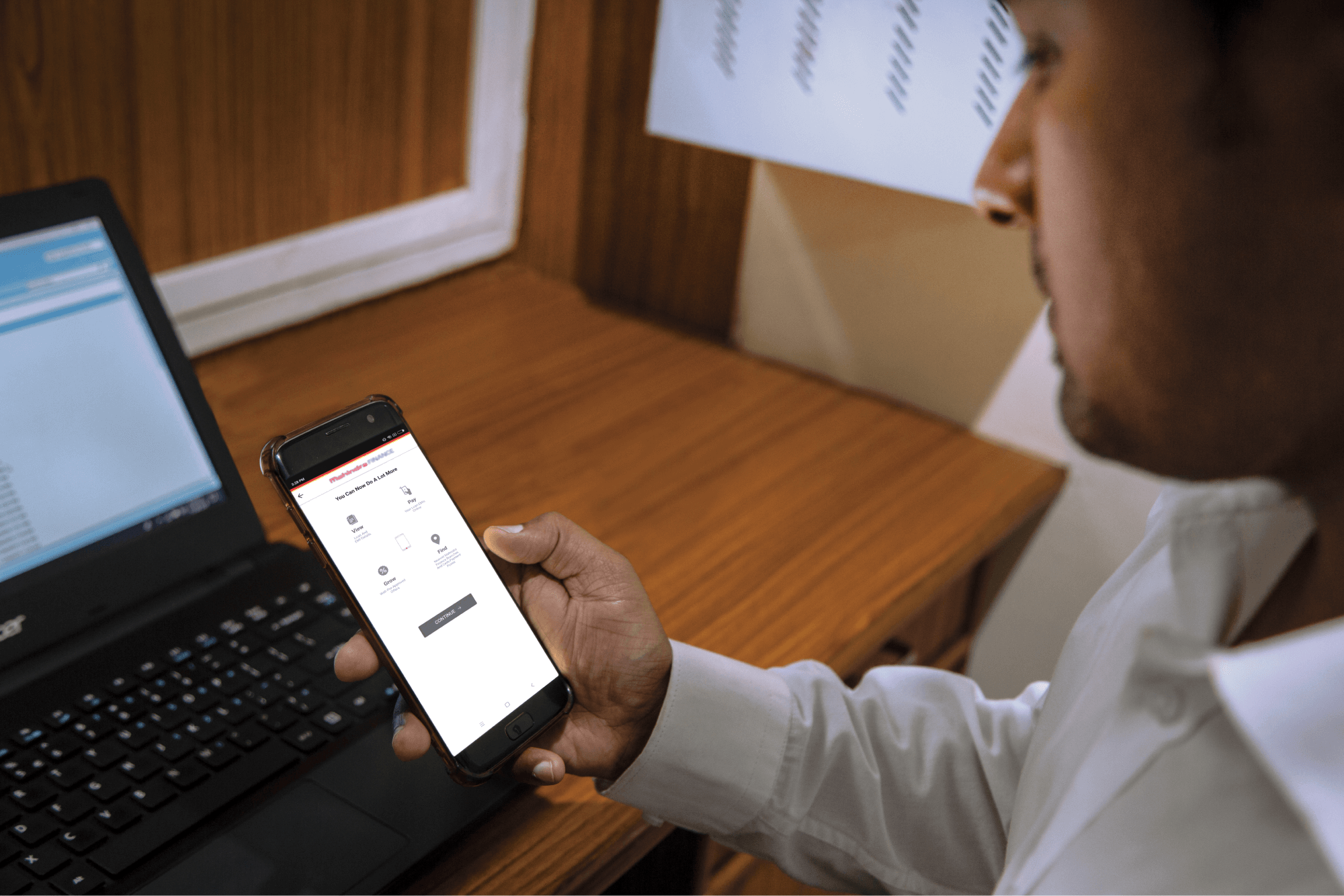
Step 1: Log in to Mahindra Finance Customer Mobile Application

Step 2: Select the e-Mandate option

Step 3: Click on ‘View More’ for the mandate where you want to make the Amends

Step 4: Click on ‘Amend E-Mandate’

Step 5: Click on ‘Yes’ if you to move forward with the Amend option

Step 6: Enter the 6 digit OTP received on your registered mobile number

Step 7: Select the remark for what amends you want to make to the E-Mandate

Step 8: You’ll receive a POP-UP if your service request has been successfully created and you may track the same by clicking on ‘Track Service Request’ or decide to go back to the home page.


Related articles

How to Get a Loan against Vehicle

Getting a personal loan against your assets is a very common practice. One of the securities you can use is your vehicle. If you are going through some financial difficulties then maintaining a car ca...

KNOW MORE

June 29, 2023

5 Mistakes NRI Fixed Deposit Investors Must Avoid

Introduction: Investing in fixed deposits is a popular choice among non-resident Indians (NRIs) who are looking for a secure and stable way to grow their wealth. However, there are certain mistakes th...

KNOW MORE

April 26, 2024

What Is The 20/4/10/ Rule For Buying A Car?

Introduction to the 20/4/10 rule Buying a car is an exciting milestone in life, but it also comes with significant financial implications. To ensure sound financial well-being, it’s crucial to u...

KNOW MORE

April 17, 2024