























































login-icon
mahindra-finance-logo
login-icon
  • English
  • Hindi
  • Bengali
  • Marathi
  • Telugu
  • Tamil
  • Gujarati
  • Kannada
  • Odia
  • Malayalam
  • Punjabi

Download App

Download App

Conveniently pay your EMIs, set payment reminders, view your loan details.

|

3. How to Cancel an E-mandate

mahindra-finance-author

by Mahindra Finance

|

October 1, 2024

|

1 mins read

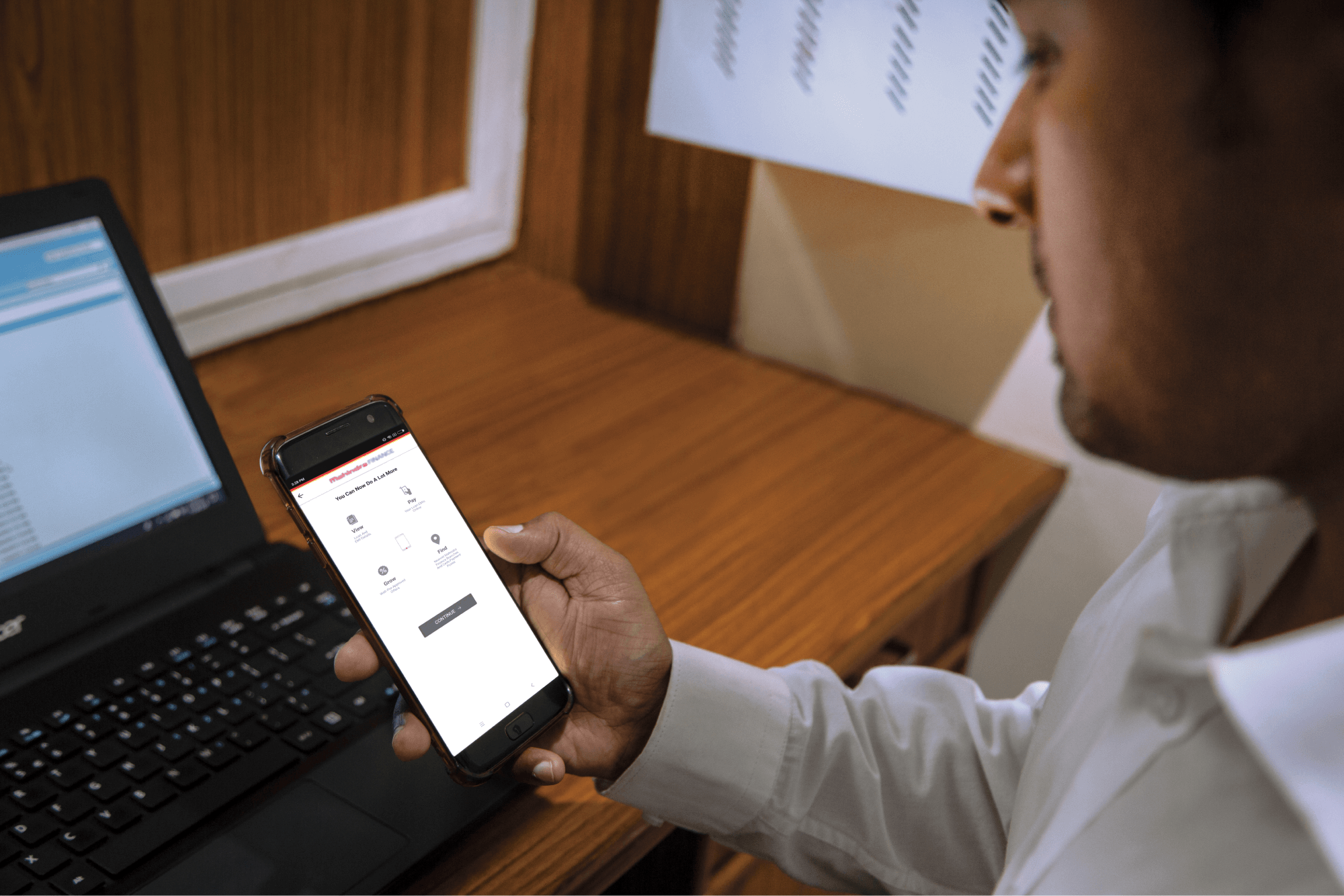
Step 1: Log in to Mahindra Finance Customer Mobile Application

Step 2: Select the e-Mandate option

Step 3: Click on ‘View More’ for the mandate where you want to Cancel the mandate

Step 4: Click on ‘Cancel E-Mandate’

Step 5: Click on ‘Yes’ if you are sure that you want to cancel the E-Mandate

Step 6: Enter the 6 digit OTP received on your registered mobile number

Step 7: Select the remark for why you want to cancel the E-Mandate

Step 8: You’ll receive a POP-UP if your service request has been successfully created and you may track the same by clicking on ‘Track Service Request’ or decide to go back to the home page.


Disclaimer:

This blog is for general informational and educational purposes only and does not constitute financial, legal, or investment advice, recommendations, or solicitation. The prices, rates, and financial values mentioned are approximate and subject to change due to regional differences, market fluctuations, regulatory changes, and other factors. Please consult an authorized dealer or financial advisor for accurate and up-to-date details.

The content may include forward-looking statements or projections, which are speculative and subject to risks and uncertainties. Mahindra Finance is not obligated to update these statements to reflect future changes. Any opinions or third-party contributions presented are purely informational and may not reflect the views of Mahindra Finance.

While we strive for accuracy, Mahindra Finance does not guarantee the reliability or completeness of the information provided and disclaims all liability for errors, omissions, or reliance on this content. Readers are advised to verify all details independently and seek professional advice based on their specific needs.

This information applies to Indian regulations and may not be relevant to other jurisdictions. Mahindra Finance is not liable for any direct, indirect, or consequential decisions made based on this blog.

Related articles

What Are the Advantages of Investing in Mutual Funds?

Shraddha is a 25-year-old IT professional drawing a good salary every month. She’s heard that getting a head start on investing can be useful. When she’s considering different options, a friend of...

KNOW MORE

June 30, 2023

Features And Benefits Of A Fixed Deposit Account

A Fixed Deposit (FD) is a type of savings instrument offered by banks and Non-Banking Financial Companies (NBFCs). It allows you to save a certain amount of money for a predetermined term. T...

KNOW MORE

June 30, 2023

Types of GST Returns In India

Introduction Are you a business owner navigating through the complex world of Goods and Services Tax (GST) returns in India? With multiple forms and deadlines to meet, understanding the types of GST r...

KNOW MORE

April 22, 2024