
























































login-icon
mahindra-finance-logo
login-icon
  • English
  • Hindi
  • Bengali
  • Marathi
  • Telugu
  • Tamil
  • Gujarati
  • Kannada
  • Odia
  • Malayalam
  • Punjabi
phone

Download App

Conveniently pay your EMIs, set payment reminders, view your loan details.

phone
|

3. How to Cancel an E-mandate

mahindra-finance-author

by Mahindra Finance

|

October 1, 2024

|

1 mins read

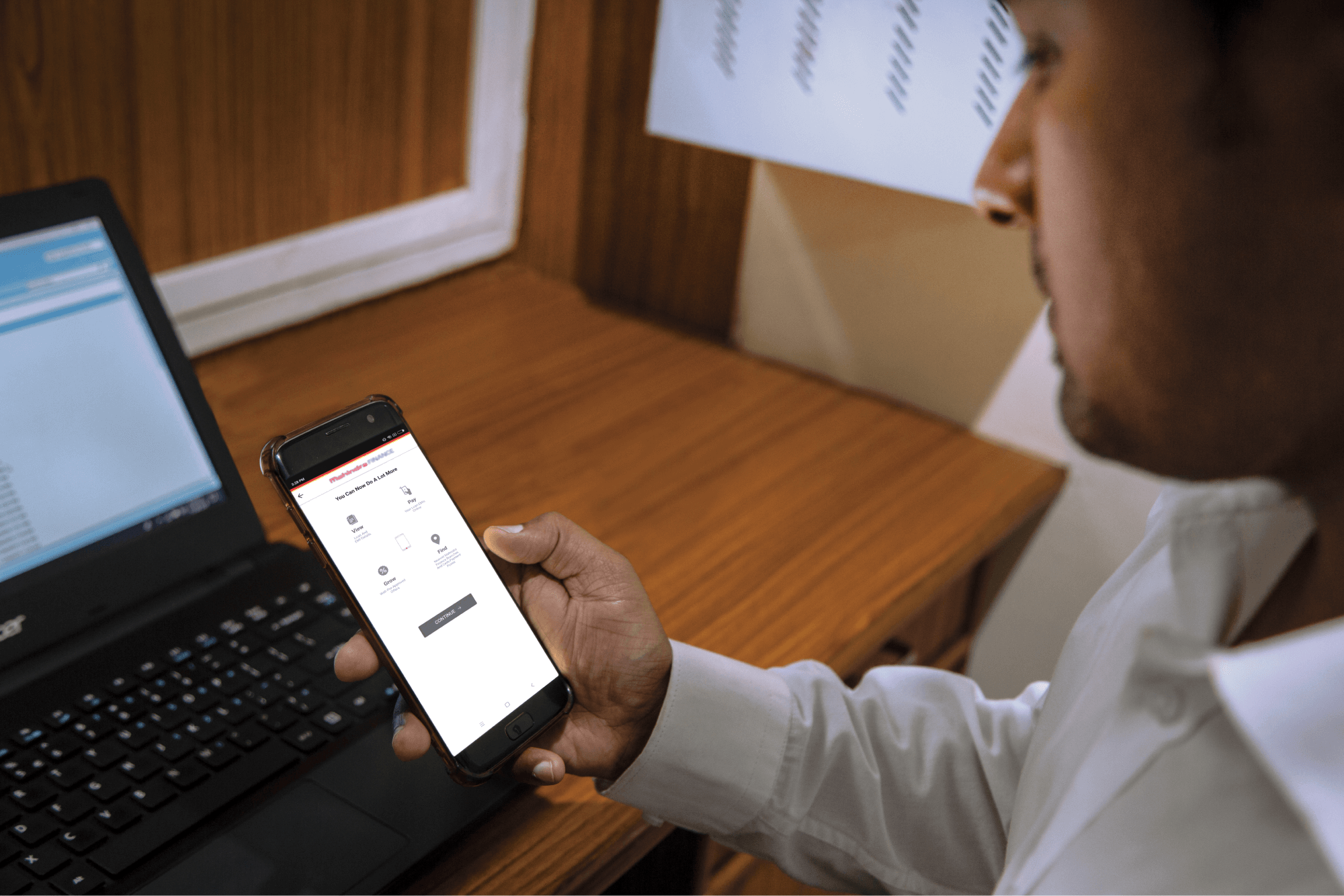
Step 1: Log in to Mahindra Finance Customer Mobile Application

Step 2: Select the e-Mandate option

Step 3: Click on ‘View More’ for the mandate where you want to Cancel the mandate

Step 4: Click on ‘Cancel E-Mandate’

Step 5: Click on ‘Yes’ if you are sure that you want to cancel the E-Mandate

Step 6: Enter the 6 digit OTP received on your registered mobile number

Step 7: Select the remark for why you want to cancel the E-Mandate

Step 8: You’ll receive a POP-UP if your service request has been successfully created and you may track the same by clicking on ‘Track Service Request’ or decide to go back to the home page.


Related articles

Top-6-Ways-To-Boost-Your-MSME-Loan-Eligibility

Top 6 Ways To Boost Your MSME Loan Eligibility

Introduction Securing an MSME loan is a significant step for small and medium-sized enterprises looking to scale or sustain their operations. By enhancing your SME loan eligibility, you can unlock mor...

KNOW MORE

July 1, 2024

Fixed Deposit Schemes in India

In order to generate maximum returns out of an investment, it is essential to find the ideal fixed deposit (FD) scheme. There are a number of factors, which need to be considered before appl...

KNOW MORE

June 30, 2023

Upcoming Cars in 2019 in India

If you are planning to buy a new car this year, you have a stroke of good luck. In 2019, some of the most reputed makers are launching advanced cars in India. From the sports car to a family car, they...

KNOW MORE

June 29, 2023