
























































login-icon
mahindra-finance-logo
login-icon
  • English
  • Hindi
  • Bengali
  • Marathi
  • Telugu
  • Tamil
  • Gujarati
  • Kannada
  • Odia
  • Malayalam
  • Punjabi
phone

Download App

Conveniently pay your EMIs, set payment reminders, view your loan details.

phone
|

2. How to Amend an E-mandate

mahindra-finance-author

by Mahindra Finance

|

October 1, 2024

|

1 mins read

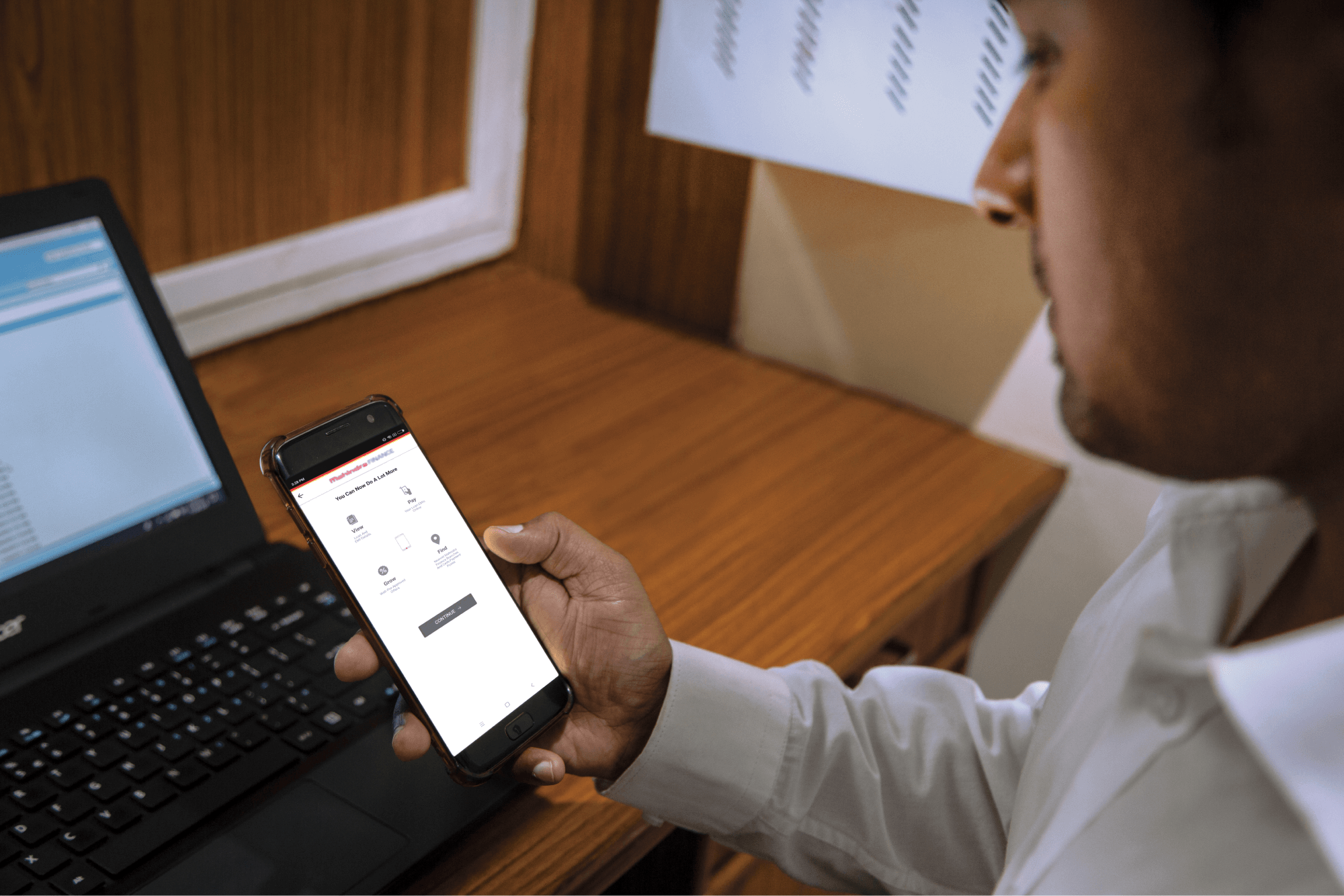
Step 1: Log in to Mahindra Finance Customer Mobile Application

Step 2: Select the e-Mandate option

Step 3: Click on ‘View More’ for the mandate where you want to make the Amends

Step 4: Click on ‘Amend E-Mandate’

Step 5: Click on ‘Yes’ if you to move forward with the Amend option

Step 6: Enter the 6 digit OTP received on your registered mobile number

Step 7: Select the remark for what amends you want to make to the E-Mandate

Step 8: You’ll receive a POP-UP if your service request has been successfully created and you may track the same by clicking on ‘Track Service Request’ or decide to go back to the home page.


Related articles

5 Ways To Secure A MSME Loan Without Collateral

Starting or expanding a business requires access to capital, and for many micro, small, and medium enterprises (MSMEs), securing funds can be challenging, especially if they do not have collateral to ...

KNOW MORE

April 10, 2024

Fixed Deposit Vs Savings Account: Where Should You Invest?

Getting started: Fixed deposit vs savings account Saving money is an important step towards achieving your life goals. However, simply saving money in a regular account may not be enough, as it doesn&...

KNOW MORE

May 8, 2024

Financial Independence For Women: Empowering Through Fixed Deposits

For most women in India, managing finances can be a challenging task. However, one effective way to grow your savings and secure your financial future is through fixed deposits (FDs). FDs offer a safe...

KNOW MORE

March 6, 2024