
























































login-icon
mahindra-finance-logo
login-icon
  • English
  • Hindi
  • Bengali
  • Marathi
  • Telugu
  • Tamil
  • Gujarati
  • Kannada
  • Odia
  • Malayalam
  • Punjabi
phone

Download App

Conveniently pay your EMIs, set payment reminders, view your loan details.

phone
|

4. How to Suspend/Revoke an E-Mandate

mahindra-finance-author

by Mahindra Finance

|

October 1, 2024

|

1 mins read

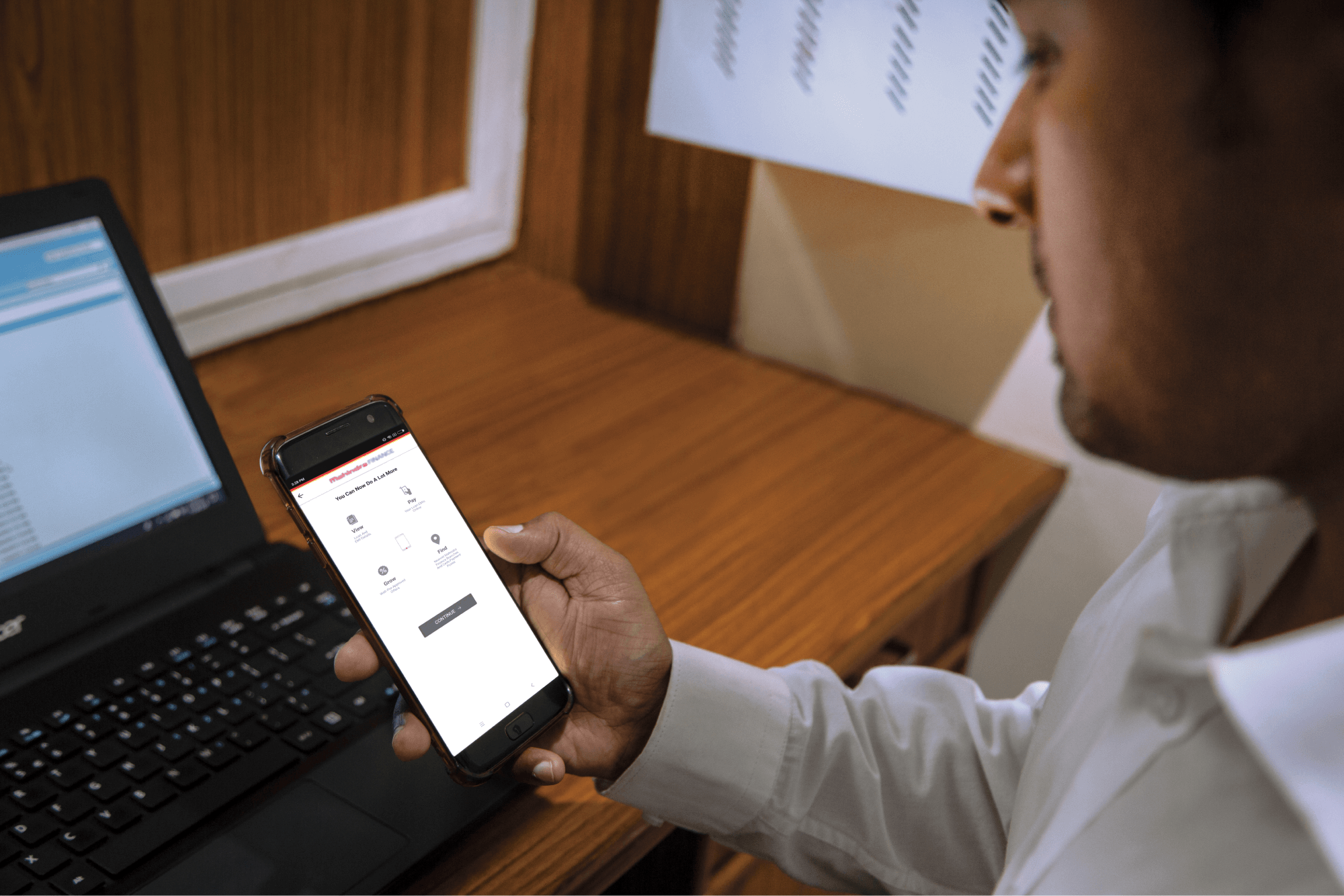
Step 1: Log in to Mahindra Finance Customer Mobile Application

Step 2: Select the e-Mandate option

Step 3: Click on ‘View More’ for the mandate where you want to Suspend/Revoke the mandate

Step 4: Click on ‘Suspend/Revoke E-Mandate’

Step 5: Click on ‘Yes’ if you to move forward with the Suspend/Revoke option

Step 6: Enter the 6 digit OTP received on your registered mobile number

Step 7: Select the remark for why you want to make to Suspend/Revoke the E-Mandate

Step 8: You’ll receive a POP-UP if your service request has been successfully created and you may track the same by clicking on ‘Track Service Request’ or decide to go back to the home page.


Related articles

How To Claim Home Loan Interest In Income Tax Return

Owning a home is a dream for many, but the journey often involves taking a home loan. The good news is that you can claim tax benefits on the interest you pay on your home loan. Understanding how to c...

KNOW MORE

April 18, 2024

The First-Time Car Buyer’s Guide To Choosing A Car Loan In India

Introduction Buying your first car is an exciting milestone, but it can also be overwhelming, especially when it comes to financing options. With countless lenders and loan choices available in India,...

KNOW MORE

May 13, 2024

5 Ways To Use An SME Loan During Vishwakarma Puja

Introduction Vishwakarma Puja, the auspicious occasion honouring the divine architect, holds special significance for businesses across India. As an entrepreneur, this is the perfect time to reflect o...

KNOW MORE

October 10, 2024